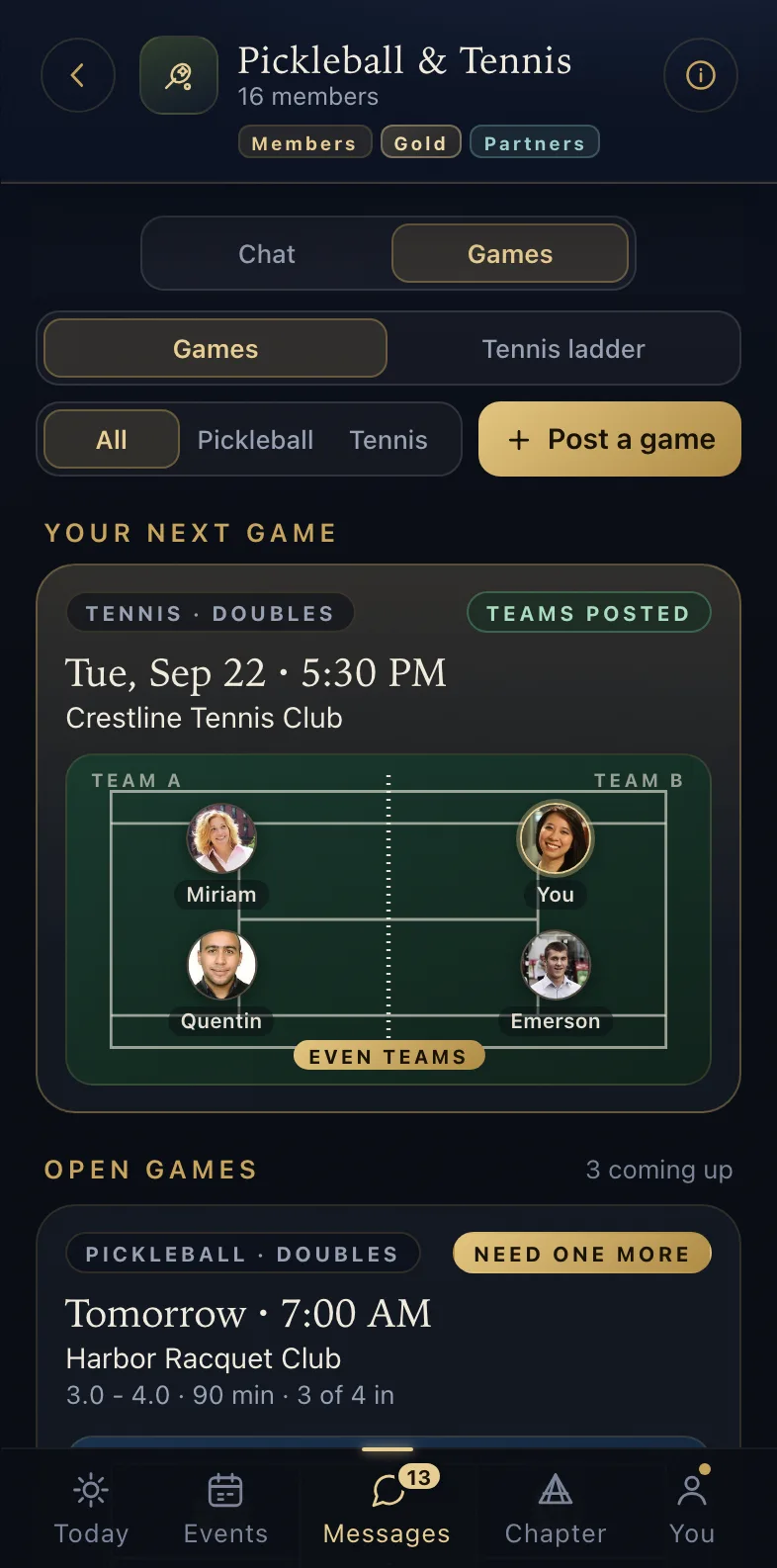
open games
The chapter platform
Quorum runs your chapter’s whole year - the forums, the roster, dues, events, photos and messages - in one app your members will actually open.
01 · The forum
Each forum gets a private space in the app. Its feed, its calendar and its member list are visible to that forum’s members and no one else. Members post wins and ask for help, and the replies stay inside the forum. Once a month the app sends every member a short check-in, so the forum knows who is doing well and who could use a call.
02 · Messages
Announcements, group chats, direct messages and a private line to the chapter office all live in one inbox, and each group has tools built for what it does. Pickleball & Tennis keeps a board of open games, and when a game needs one more player it tells the members whose level and free hours fit. The travel group keeps the places members have stayed and shows what is near you in any of 209 cities. Photograph a bottle in the Food & Wine group and it joins the chapter’s wine list.
open games
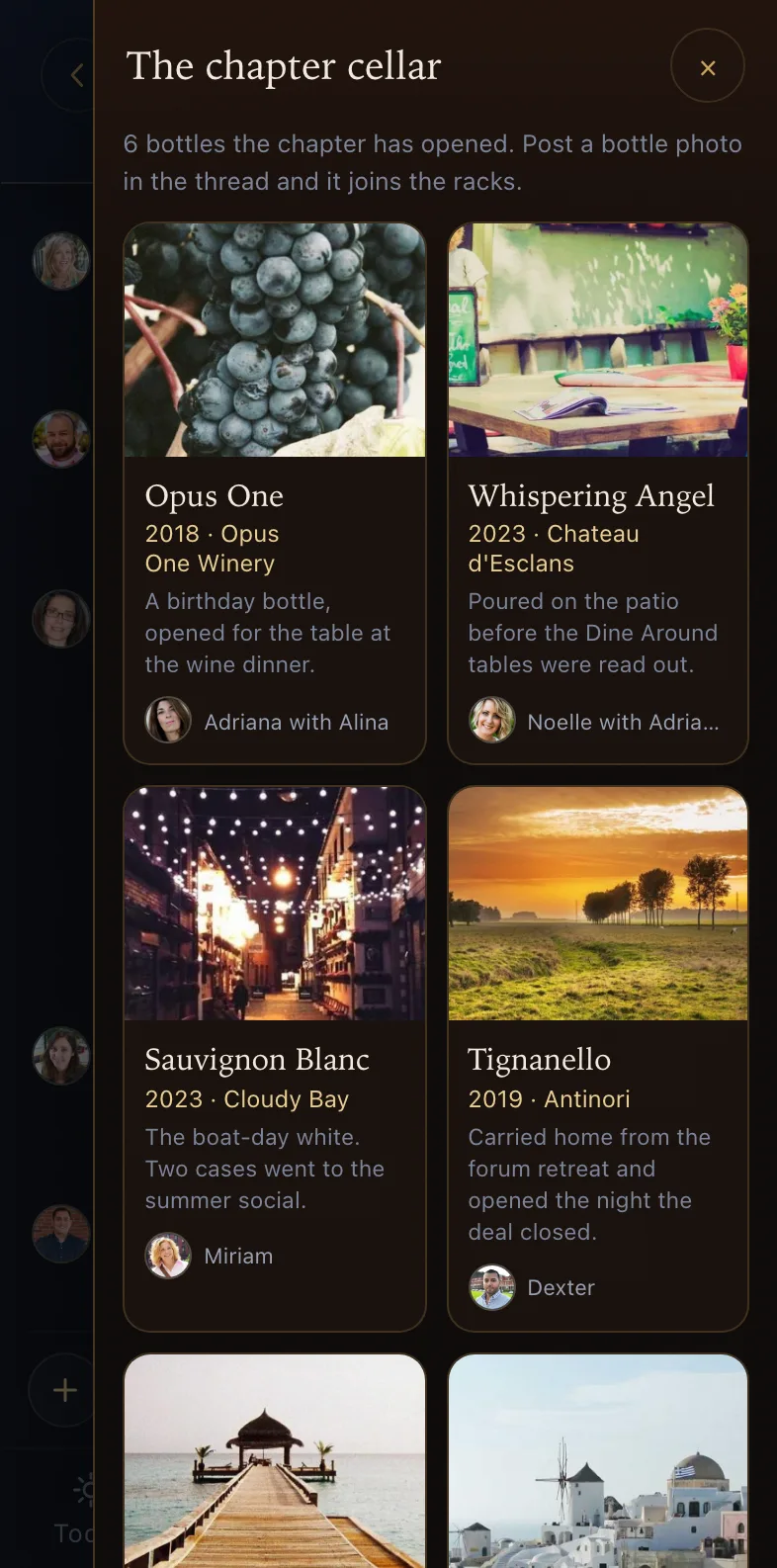
the chapter’s wine list
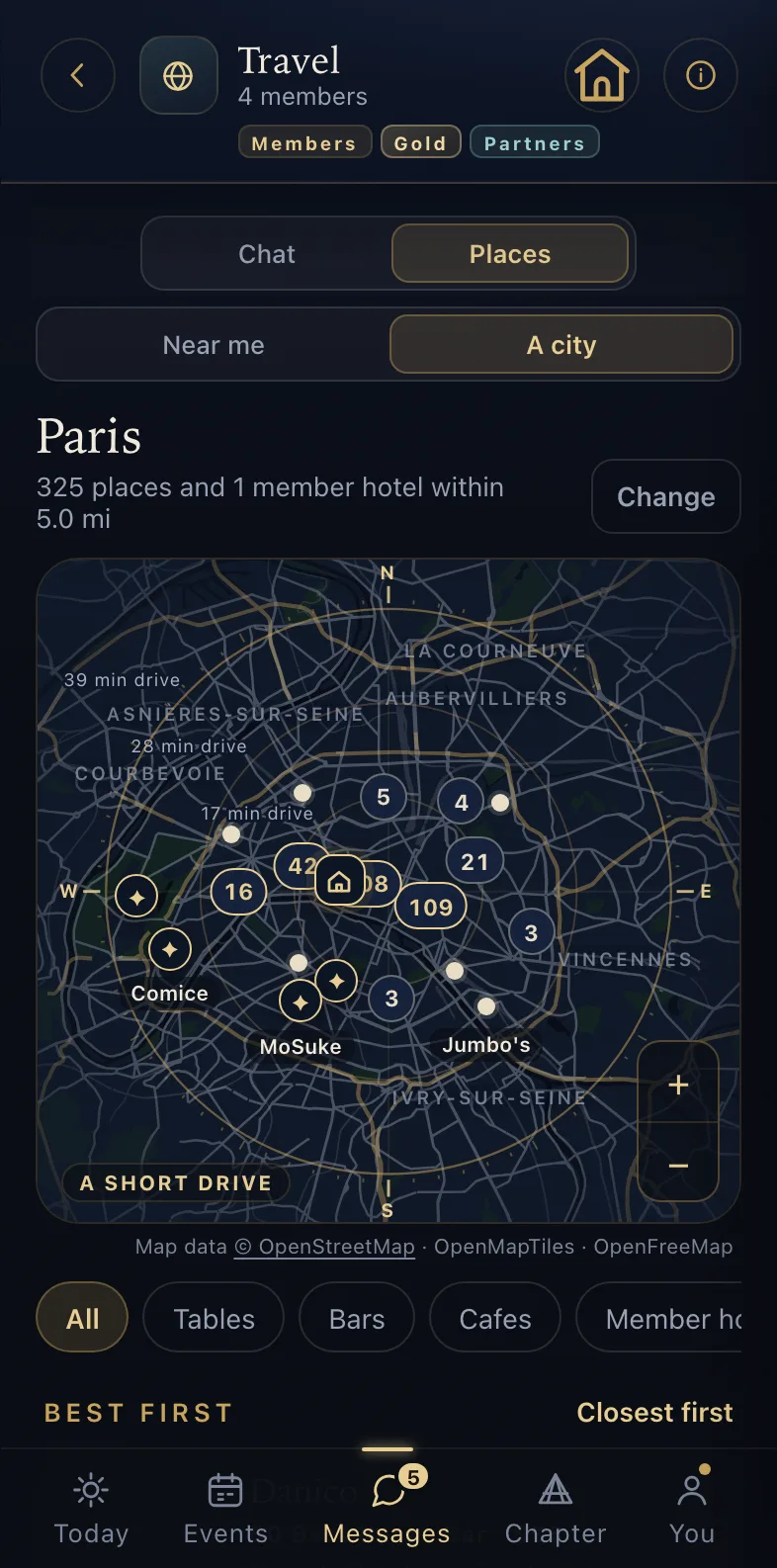
places in any city
03 · Photos and film
Every event gets its own photo album. Photographers upload through a link that expires, with no account needed. Name a face once and every photo of that person, past and future, is filed into the right album. Whole evenings download at full resolution.
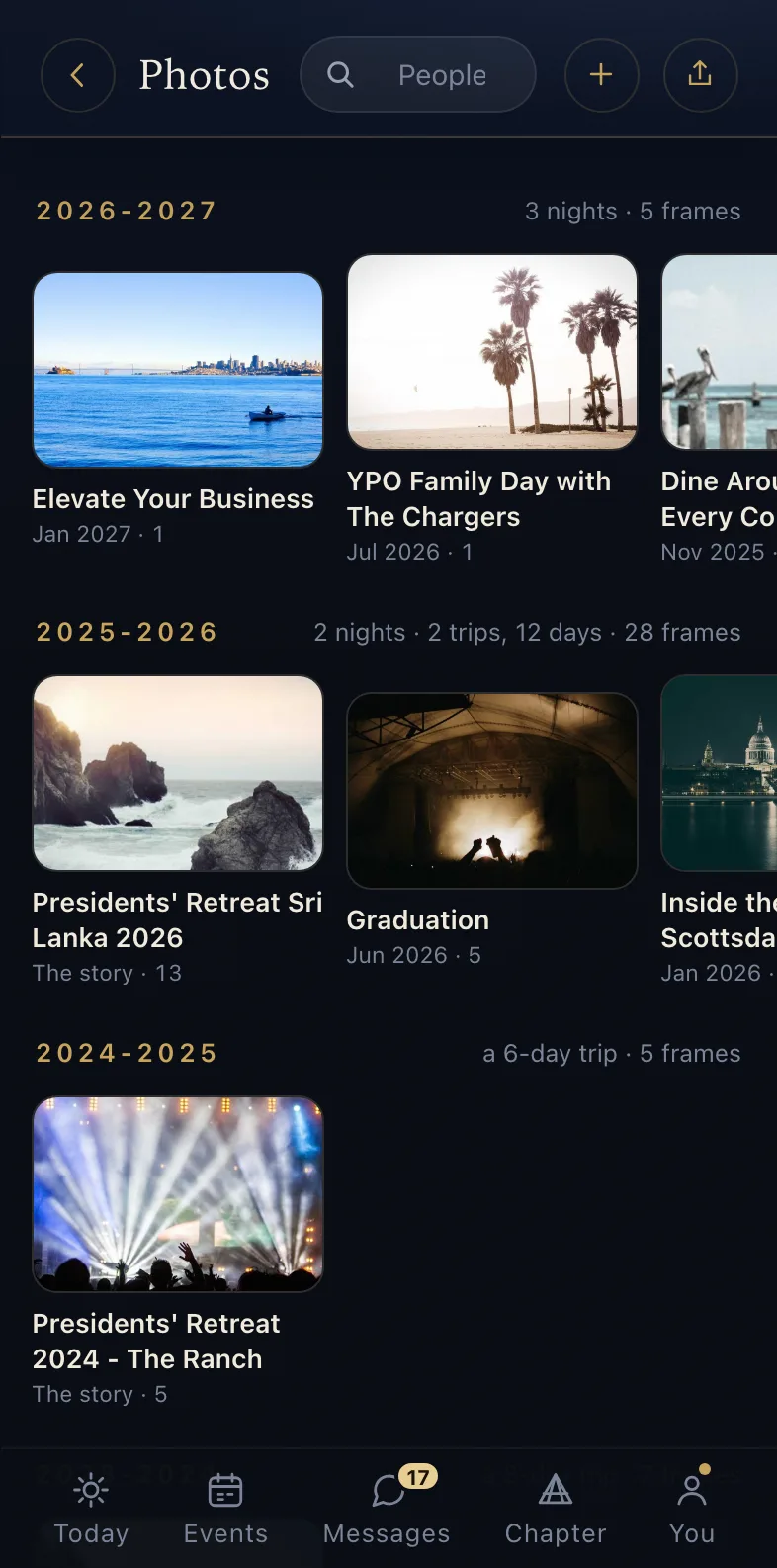
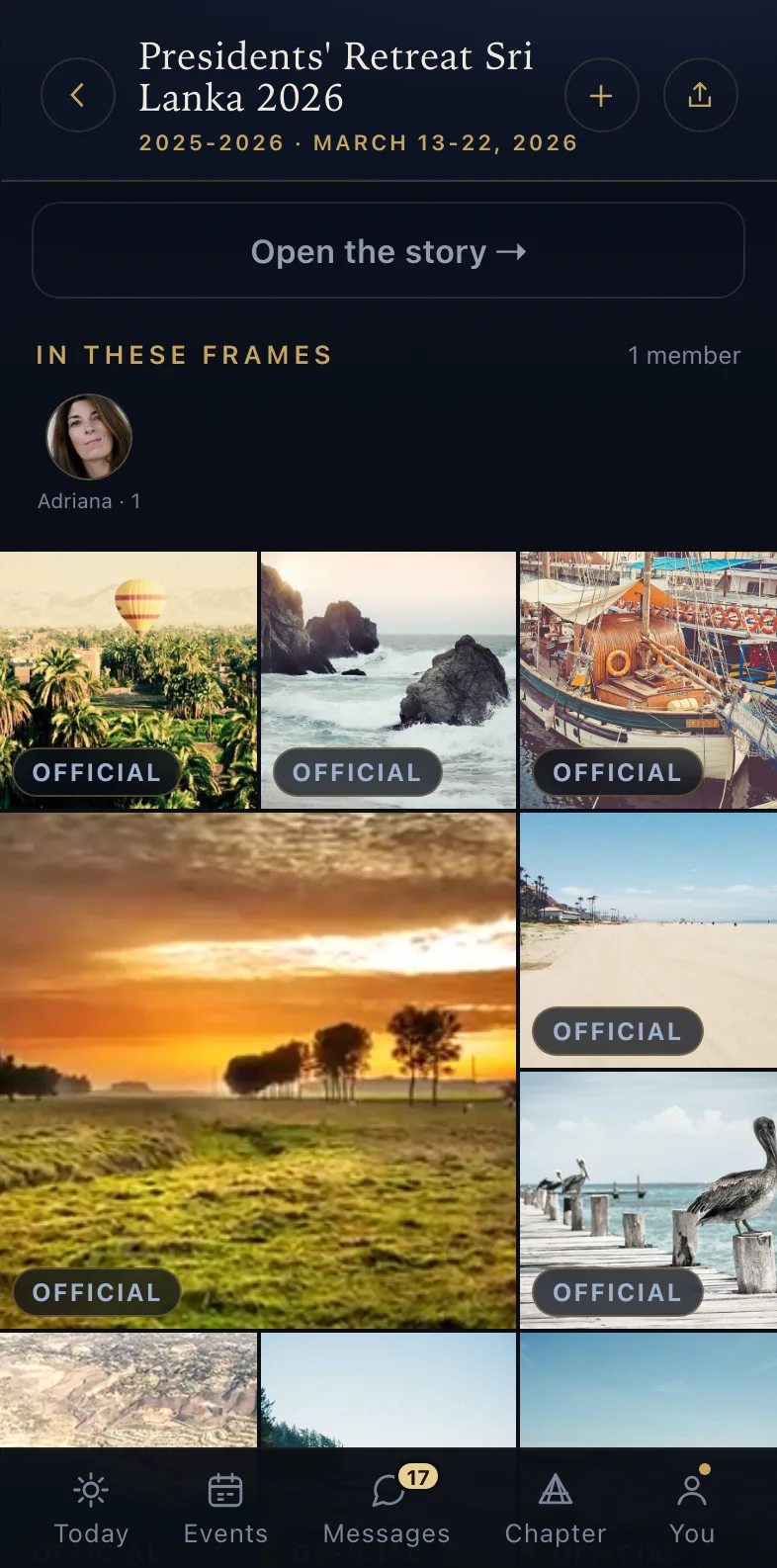
an album filling in · the archive behind it
04 · The money
The office sends a payment request from the console, and members pay it on their phone. A retreat can take a deposit that holds the member’s spot, and the cost of a dinner can be split evenly and marked paid over Venmo or Zelle. The office sees who has paid and who has not, with each section’s money kept in its own books on one fiscal year.
the office sees every payment · the member pays from their phone
05 · The Wing
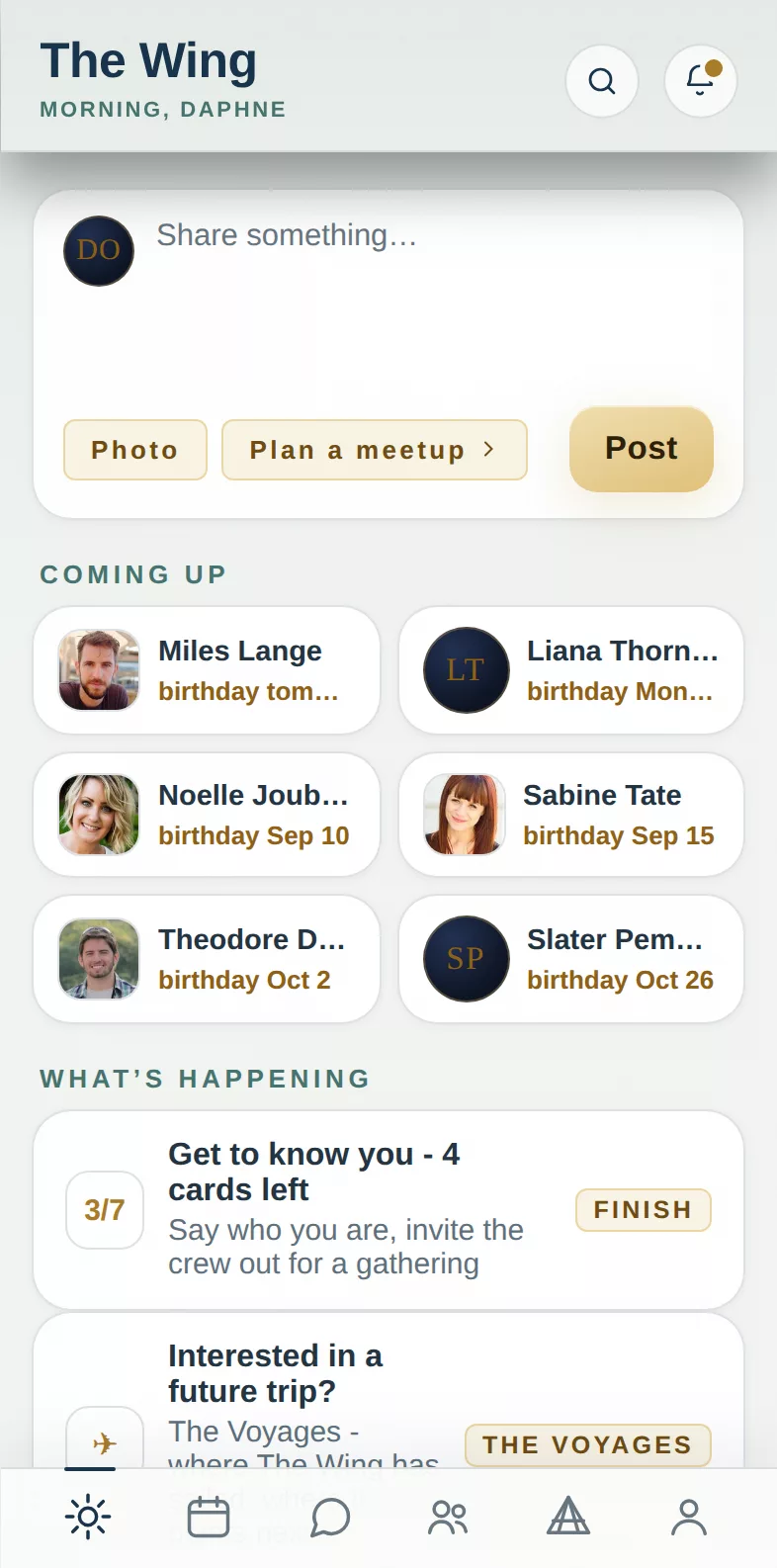
A spouse or partner signs in at the same address and gets The Wing, their own app with its own look: the events they are invited to, the directory, their calendar and their own feed. They plan partner gatherings members never see and answer invitations for the whole household.
06 · Travel
Pick a city and the retreat planner drafts the whole week from a library of 209 cities and 7,149 hotels and restaurants we have checked: the best hotels first, the top restaurants spread across the nights, and each day’s stops close enough to walk. Once the trip is on the calendar, members get a day-by-day itinerary, an arrivals board where they can offer or ask for a ride from the airport, and a short schedule each morning of the trip. If two members happen to be in the same city the same week, the app tells them both.
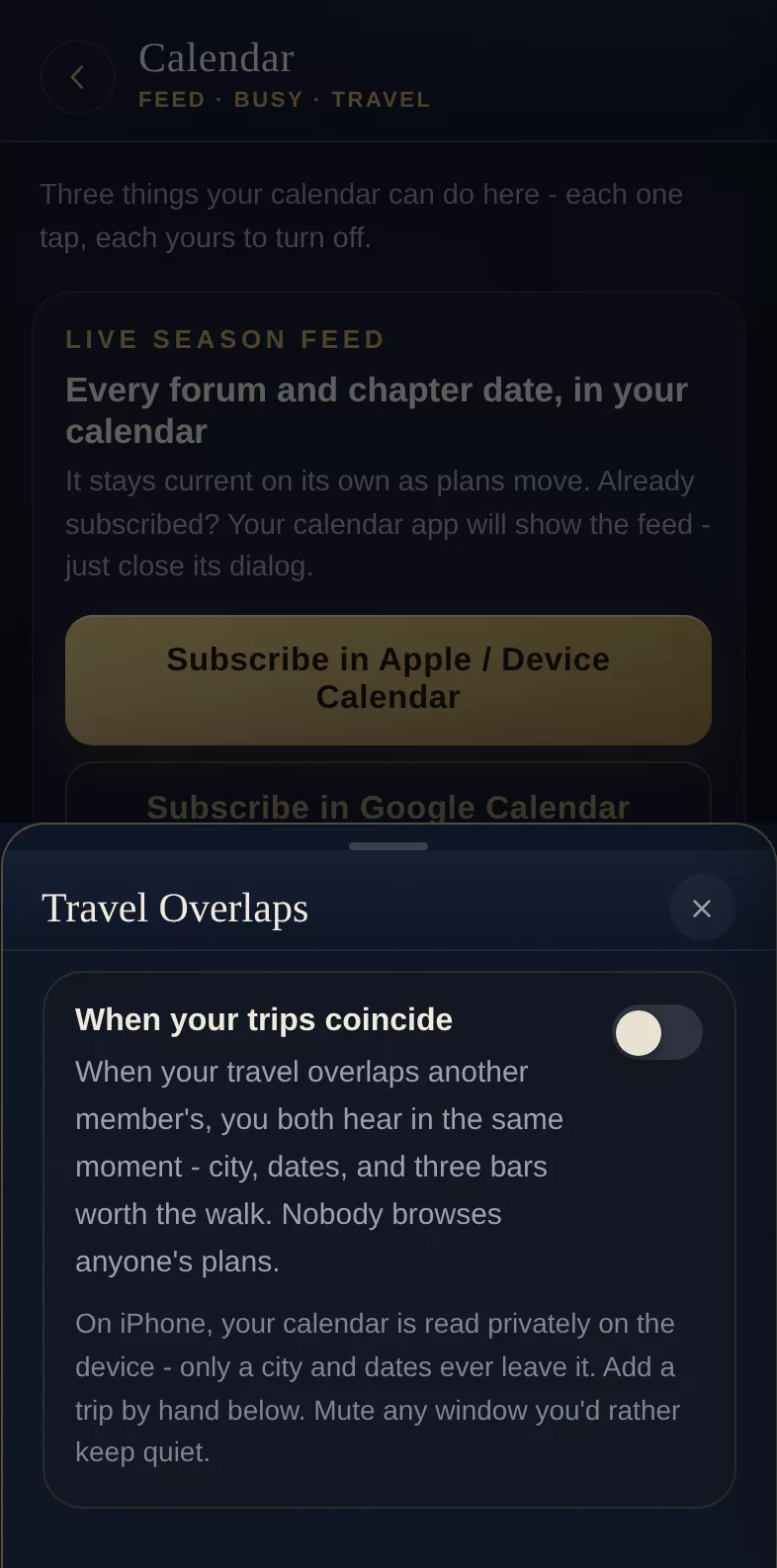
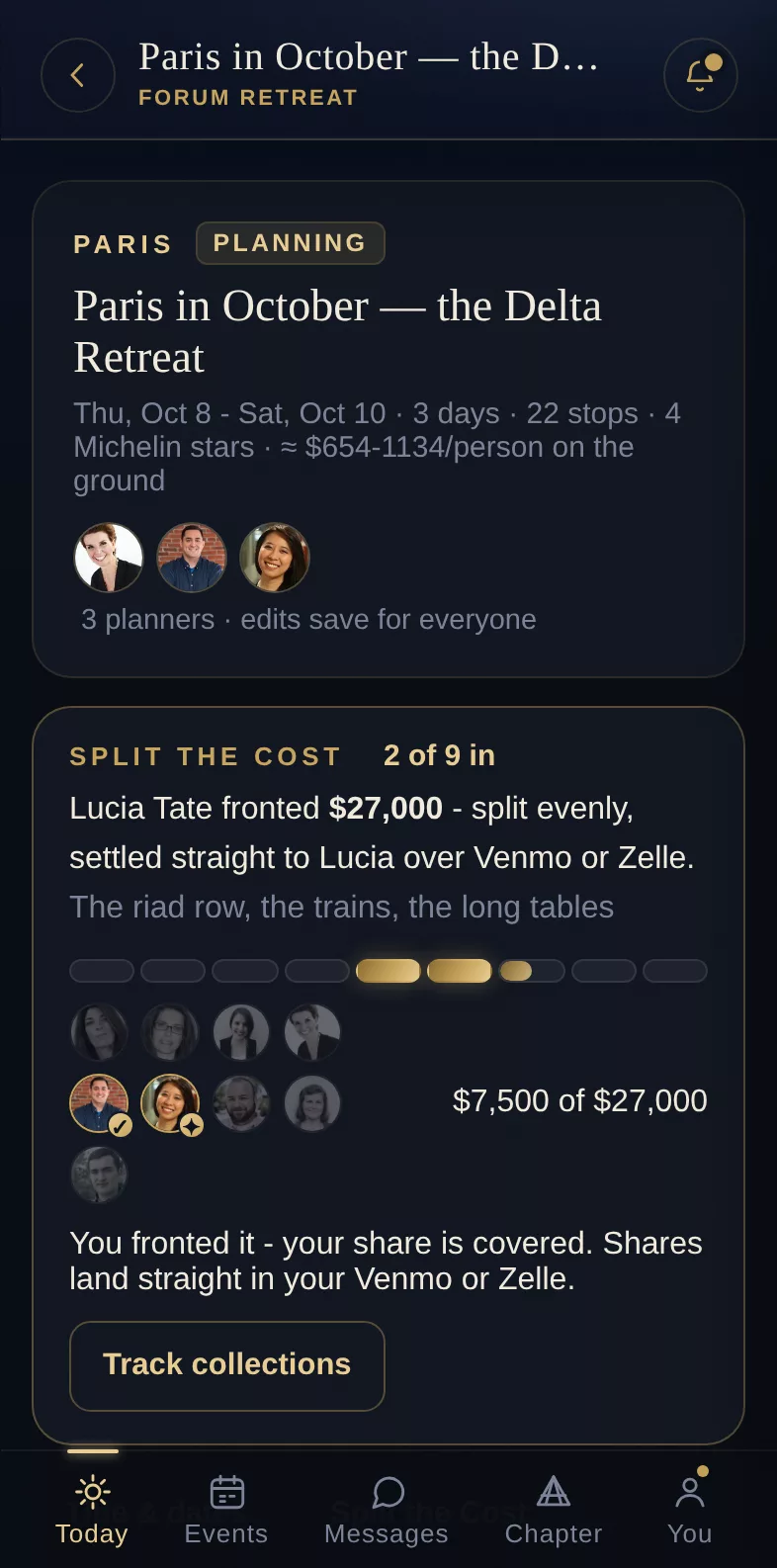
the retreat plan · two members in the same city behind it
07 · The archive
The feed scrolls past today into the chapter’s own history: archived seasons with their banner art, day chairs and headcounts, on-this-day cards that bring back an evening from another year, birthdays in a throwback frame for the room to sign. Chapters have arrived with decades of history and kept all of it.
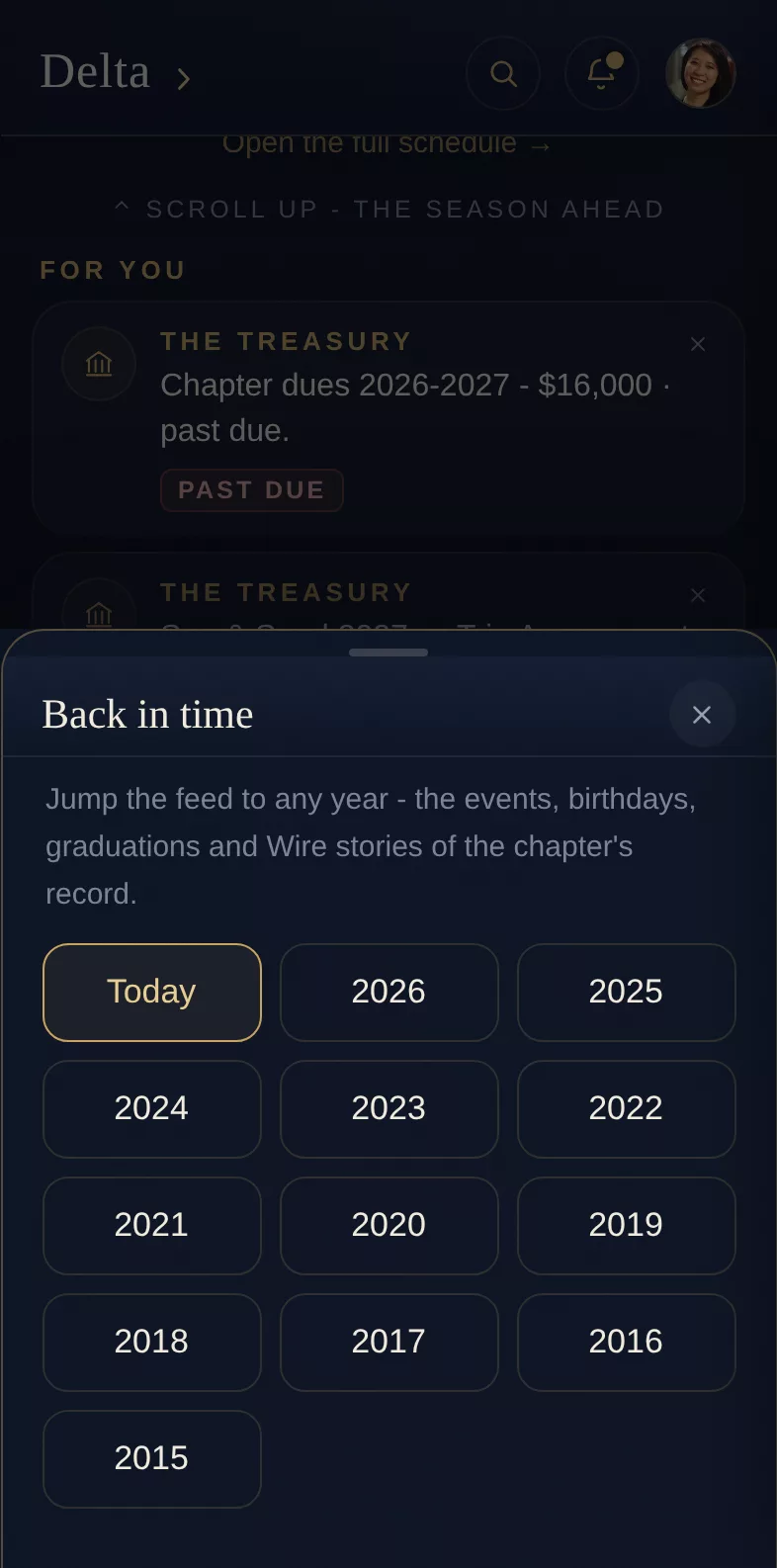
08 · The console
Roster, events, money, surveys and prospects in one console, with each officer seeing only their part. QuorumAI, the console’s assistant, answers questions about the chapter’s records in plain words and makes a change only after an officer approves it. Event emails go to the day chairs for approval before they are sent to everyone. Every change an admin makes is logged.
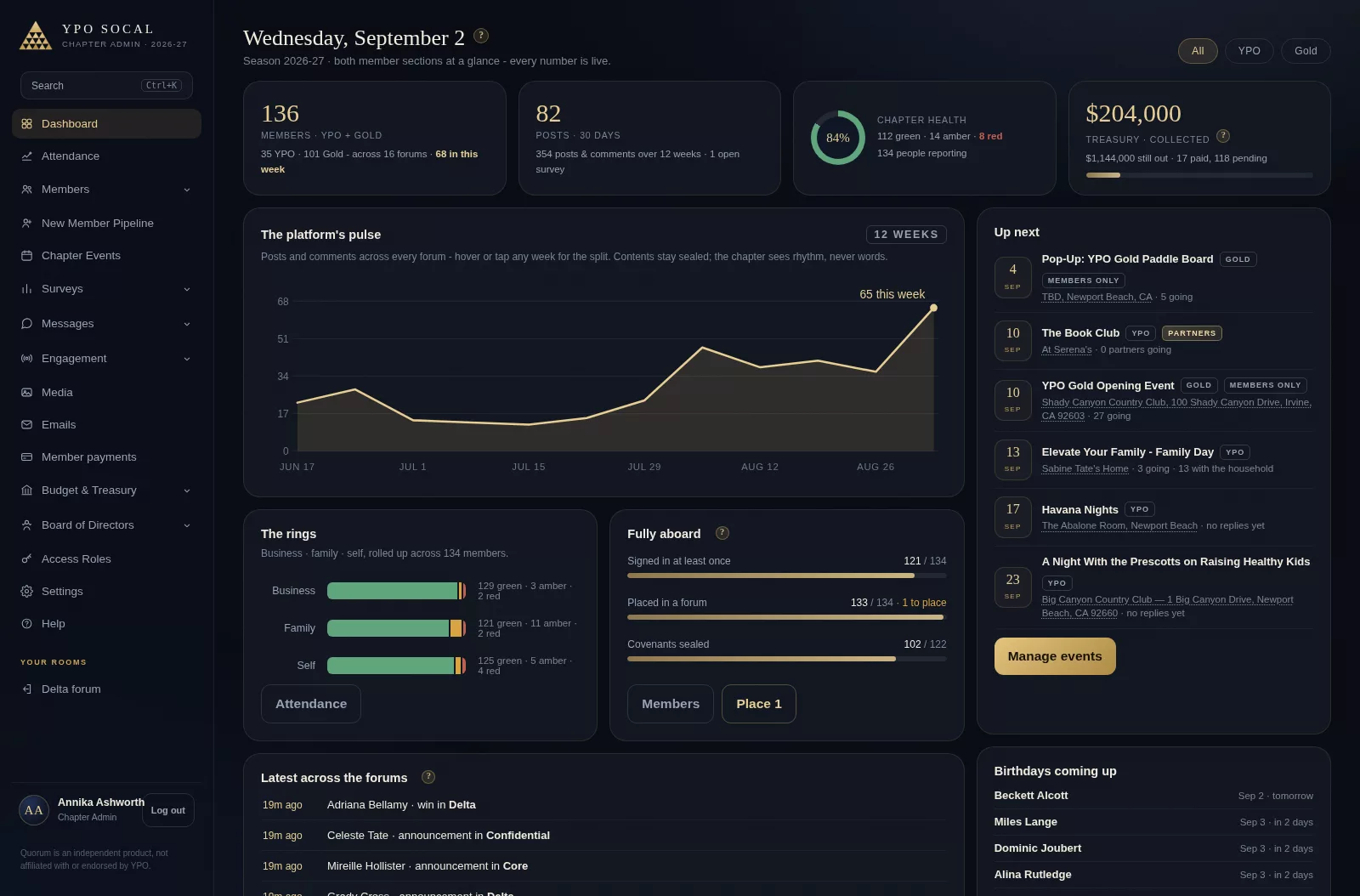
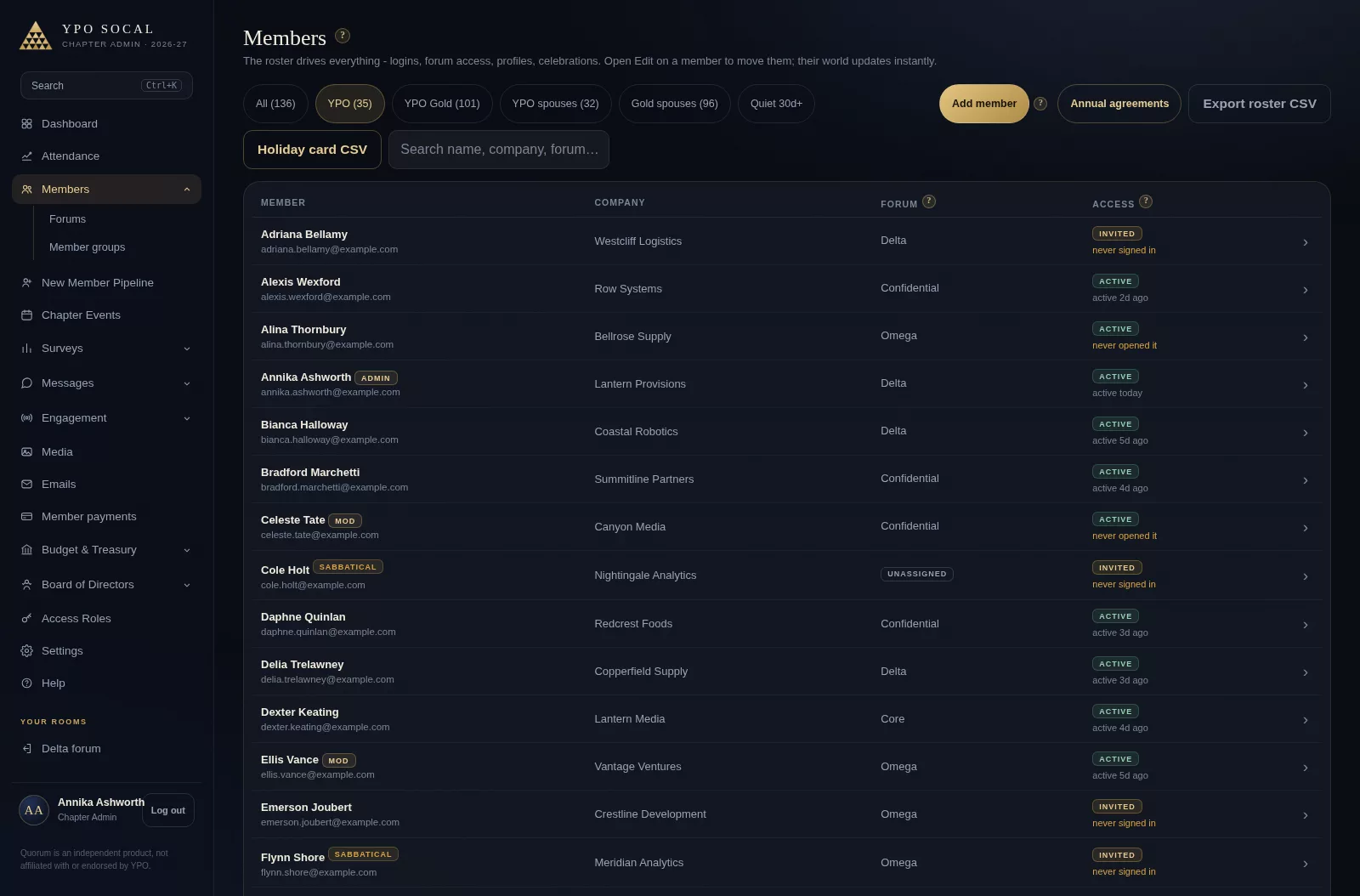
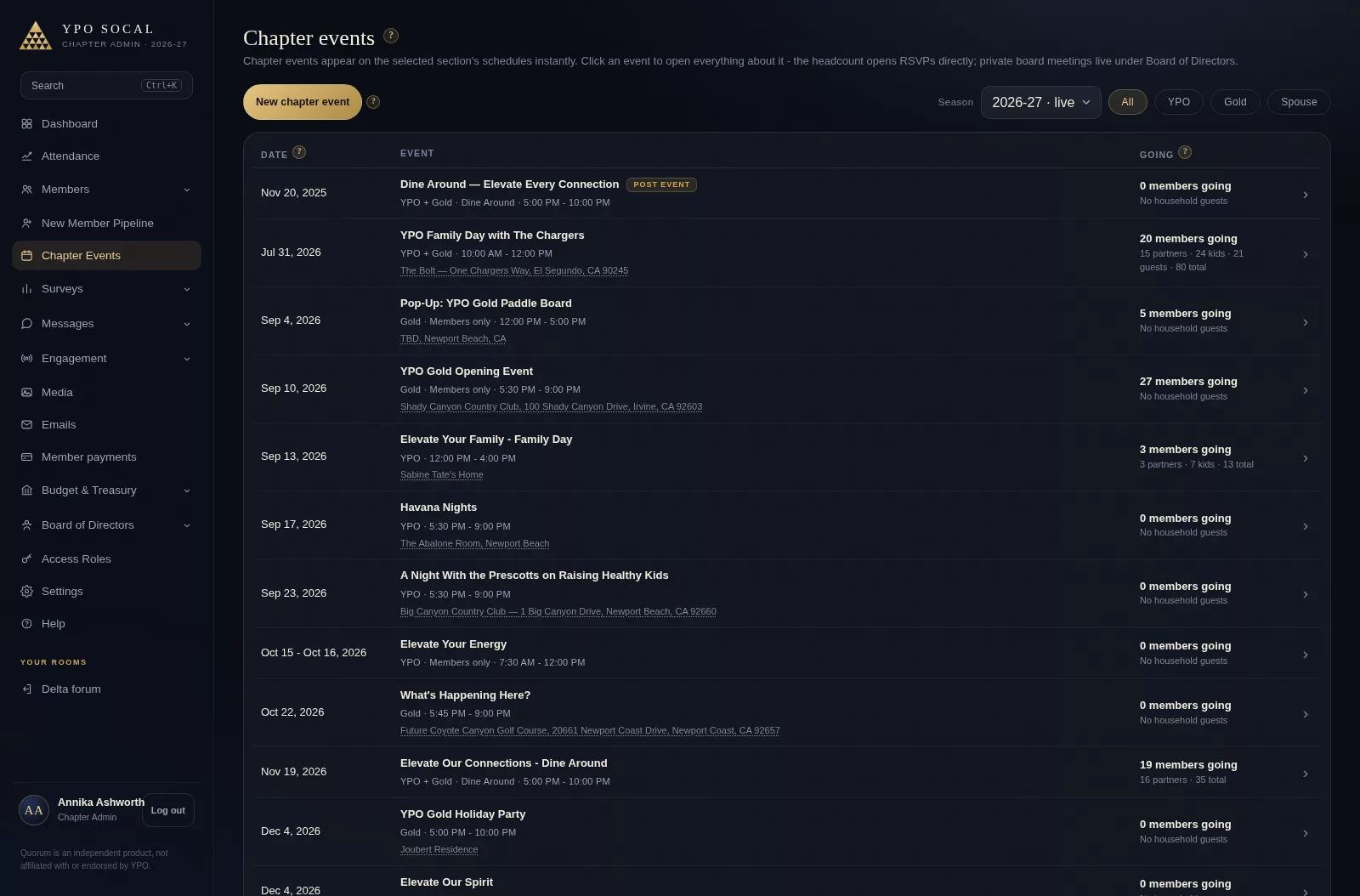
Each officer sees their own part of the console and nothing else. Members never see it at all.
Featured · Encryption
Direct messages, forum chats, alumni chats and any group a member starts turn end-to-end encrypted once everyone in them has a version of Quorum that can read one - or, after the chapter’s waiting period, once someone in them has. From that day on, a message is encrypted on the member’s own device before it is sent, and what was written before it stays as it was. Nobody else holds a key to what is written from then: not the chapter office, not Quorum, not whoever holds a copy of the database.
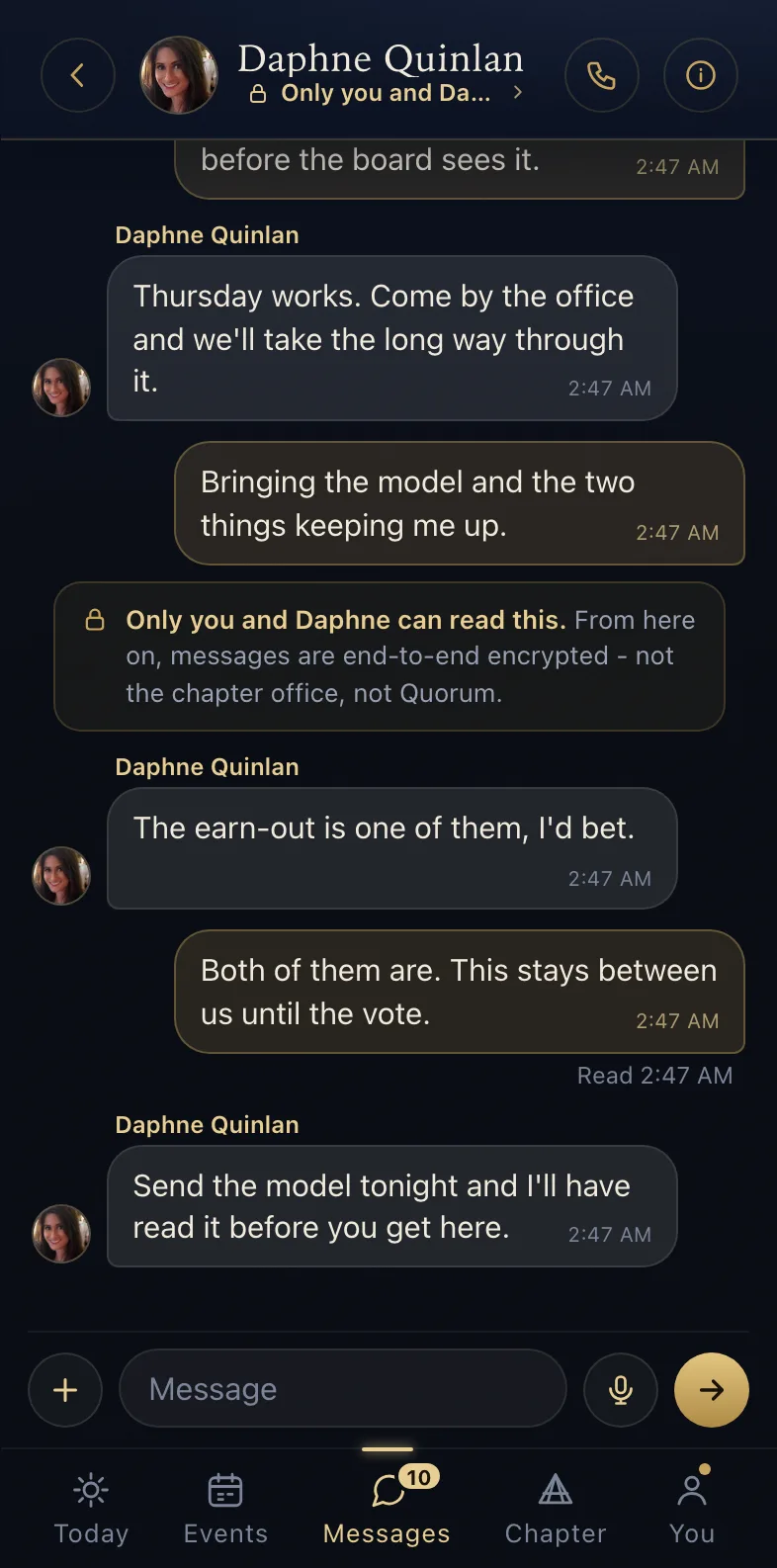
the chat, from the day it turned
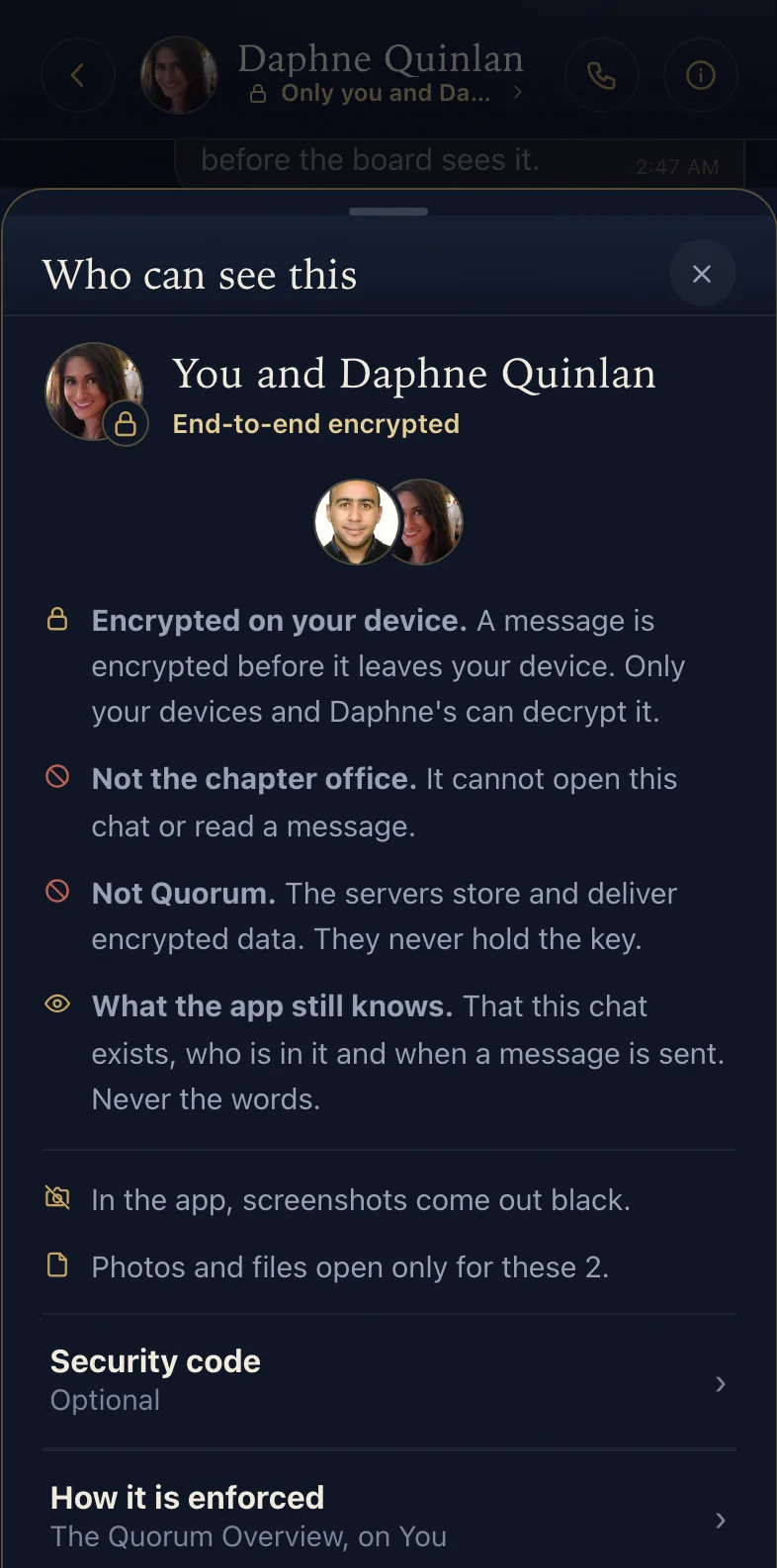
who can read it
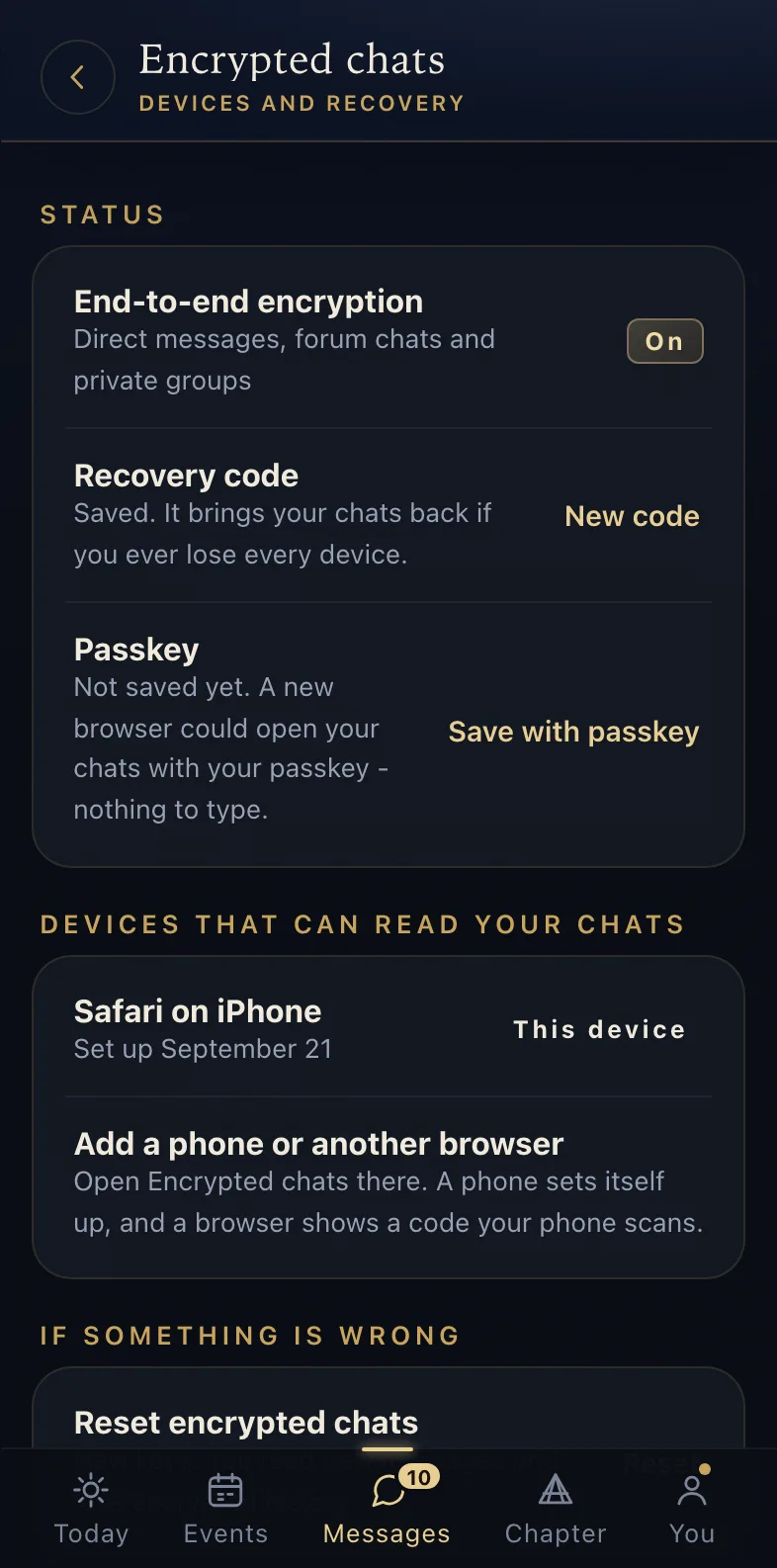
the member’s devices and keys
Which chats turn
Direct messages, forum chats, alumni chats, groups a member started and any group with Confidentiality Covered on. These are exactly the chats the office already cannot open, and now it could not read them even if the code let it. The chats the office runs are the ones it still reads.
The key is made on a member’s device
Every chat has its own key - a new one each time the people in it change - made on one member’s phone or set-up browser and given to everyone else in the chat under their own public key. The servers store and deliver encrypted bytes and never hold a key. The algorithms are the standard ones, P-256, HKDF-SHA-256, AES-256-GCM and HPKE, out of WebCrypto, CryptoKit and Android’s own providers; how the app puts them together is written down and has had outside review.
Photos, clips and files too
A photo, a clip, a voice note or a file is encrypted on the device in one-megabyte segments before it is uploaded, so the store holds bytes nobody can open. A file that was cut short or altered on the way fails to open rather than opening wrong.
still visible · that a chat exists · who is in it · when a line was sent, and how large · never the words - except what a member chooses to publish from a chat, and what was written before the chat turned
Featured · Dine Around
A few members host dinners at their homes. The app seats everyone else at a table of people they should know but have not met. The office sets it up in the console, and every member sees their table on their phone.
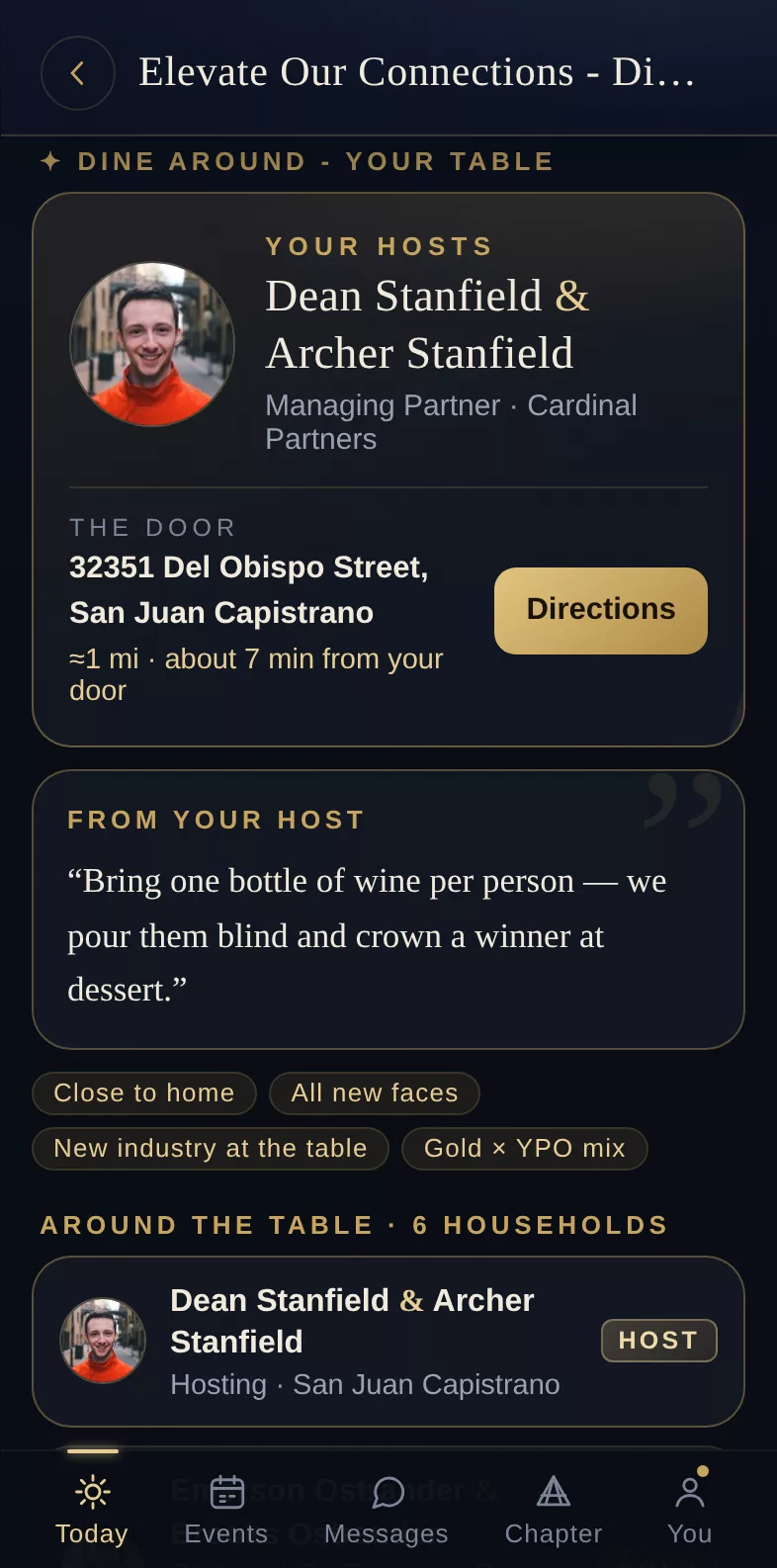
the console seats the chapter · a member’s table
Hosts open their homes
The office adds each host in the console and sets how many seats their table has. The host’s address comes along from their profile, and only the people at that table ever see it.
The app seats everyone
One click seats every household that said yes. It keeps drives short, splits up forum-mates, mixes industries and puts people with new faces. Anyone the office moves by hand stays put.
Every member sees their table
When the tables are published, each member gets a notice. Their event page shows their host, the address with directions, the drive time and everyone at their table. Hosts see their guest list and everyone’s dietary needs.
Featured · Golf
The golf group is a chat with a tee sheet beside it. Members host rounds and fill them, handicaps come in from GHIN, and on the day of an outing every group keeps its scorecard on a phone while the rest of the chapter watches the board.
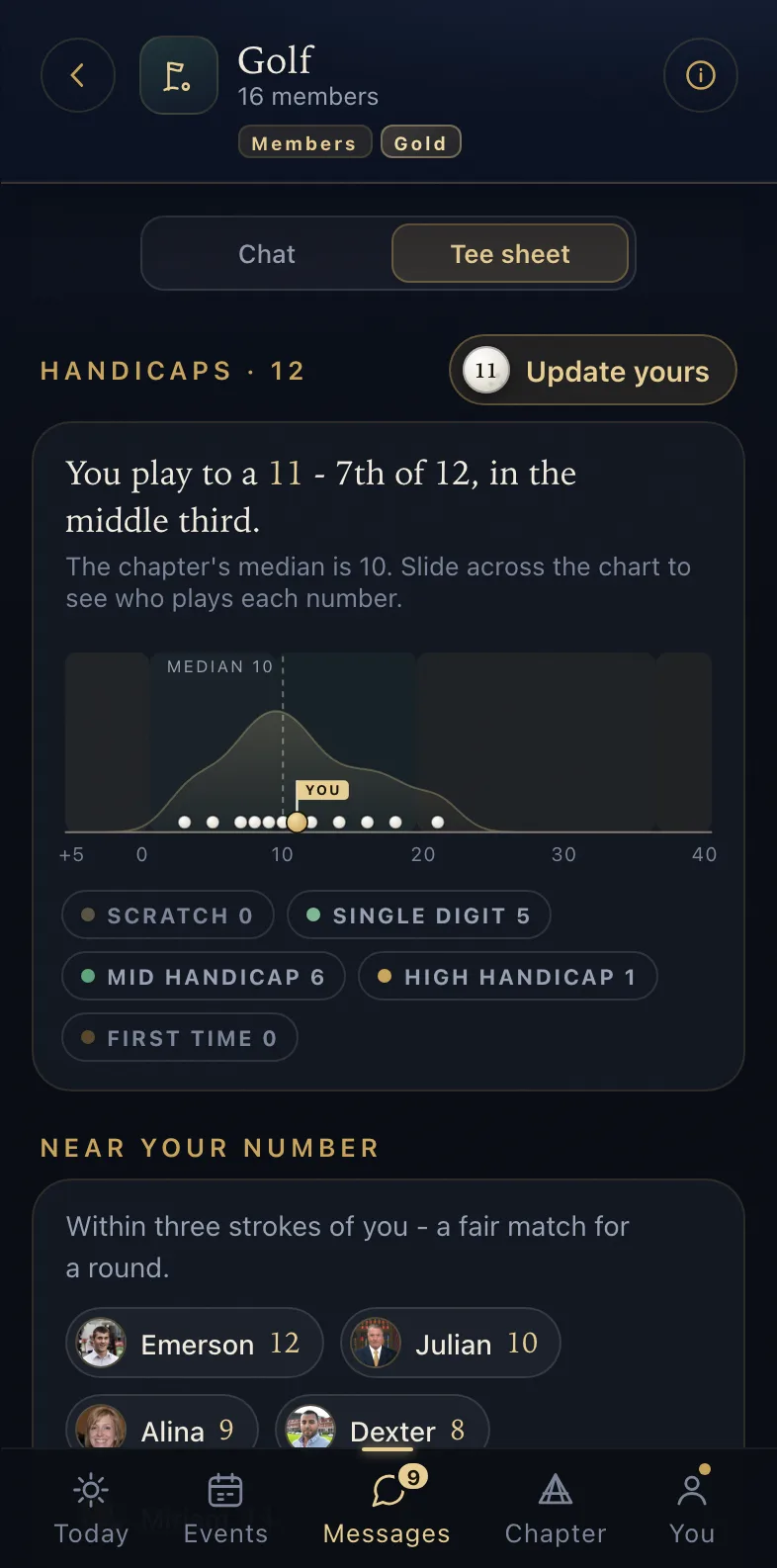
the tee sheet
the board, live
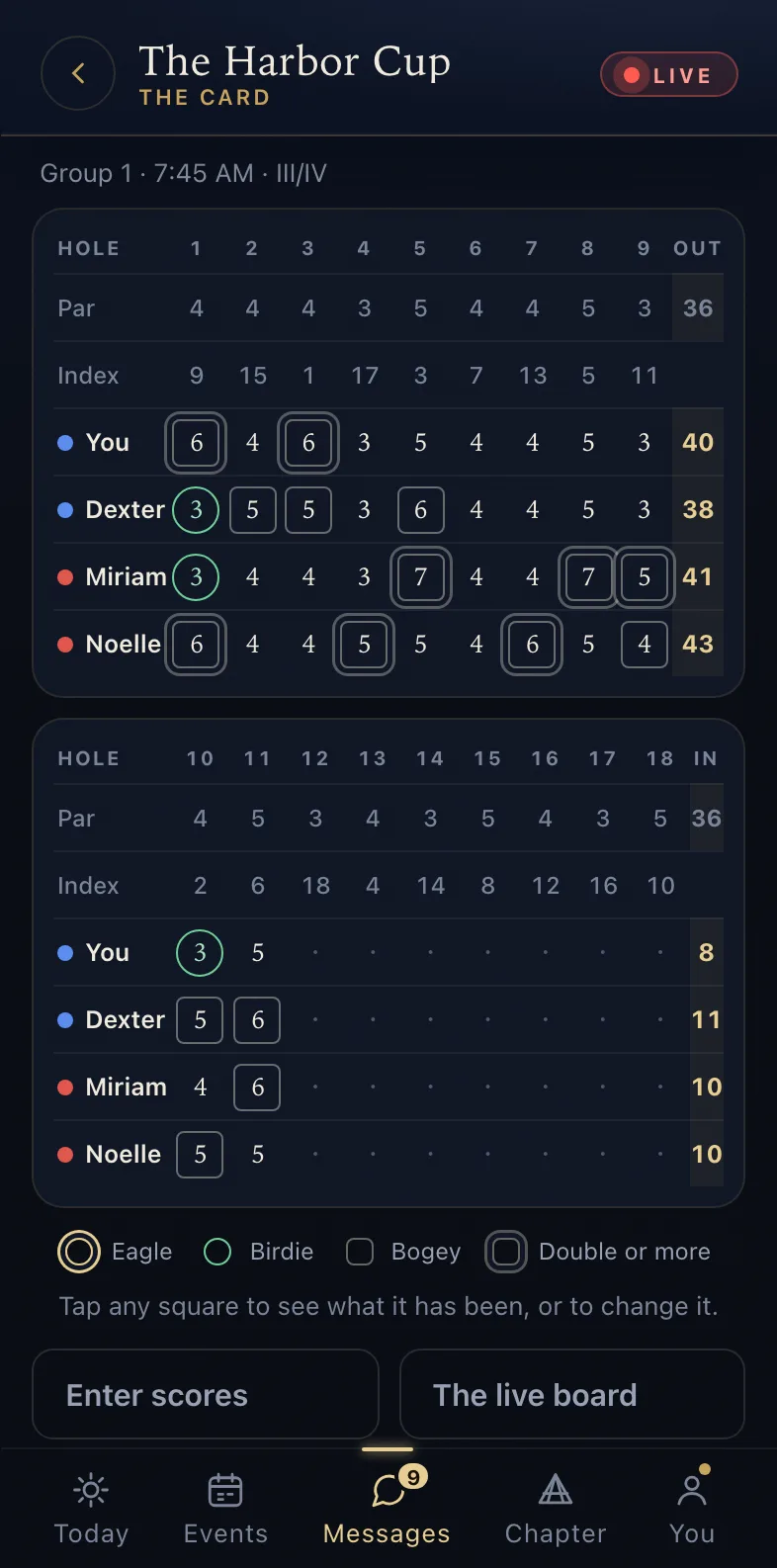
a group’s scorecard
Rounds on the tee sheet
A member hosts a round at their club, sets the seats and chooses who can join. Others claim a seat, a waitlist forms when the round is full, and anyone can ask to be told when a spot opens at a club or on a day they want.
Handicaps from GHIN
Link a GHIN number and the chapter reads the Handicap Index from it. Every golfer sits on one chart, so a member can see who plays to their number before asking for a game.
Groups for the day
For an outing, the day chairs pick balanced groups or groups by handicap, keep forum-mates apart, and set tee times or a shotgun start. When they publish, each player is told their group and their time.
Scores from the course
Any player in a group keeps the group’s card, one hole at a time, on the course’s own scorecard. A score saves on the phone first, so a hole entered with no signal is sent when the signal comes back.
A board that updates by itself
A team cup, stroke play, Stableford or best ball is scored by the app. Members who are not playing follow the points and every match from anywhere, open a match to read it hole by hole, and comment under the scoring.
Every group on the course
Where the office has checked the course’s plan, the board draws every hole and shows where each group is. A phone shares only the hole and the yards to the green, never its location, and only while a player has the switch on.
0 listings · one price · no seats, no tiers, no add-ons
Run your cursor down the list and the preview follows. Every listing covers Gold members too.
The founding offer
then $4,999 a year
per chapter · everyone included · billing begins in year two
For the first twenty chapters, the first year costs nothing. Members, spouses and Gold included, and every feature the platform adds after you join.
White-glove import
Roster, calendar, decades of history. We do the setup for you.
Live in about a week
Import, a preview link to approve, then invitations to members by name.
Your own stack
Your chapter’s own database, media storage and domain. No shared pool.
Ten minutes of setup, one call, and members are invited by name. Year one is free for the first twenty chapters.
Sign Up